Case study 03 / 06
Nantucket Bakery Website & App
Ordering built for everyone: order ahead, choose pickup or delivery and pay in a few taps, without the barriers of ordering in person.
- Role
- Lead UX Researcher & Designer
- Context
- Google UX Design Certificate
- Deliverables
- Responsive website & mobile app
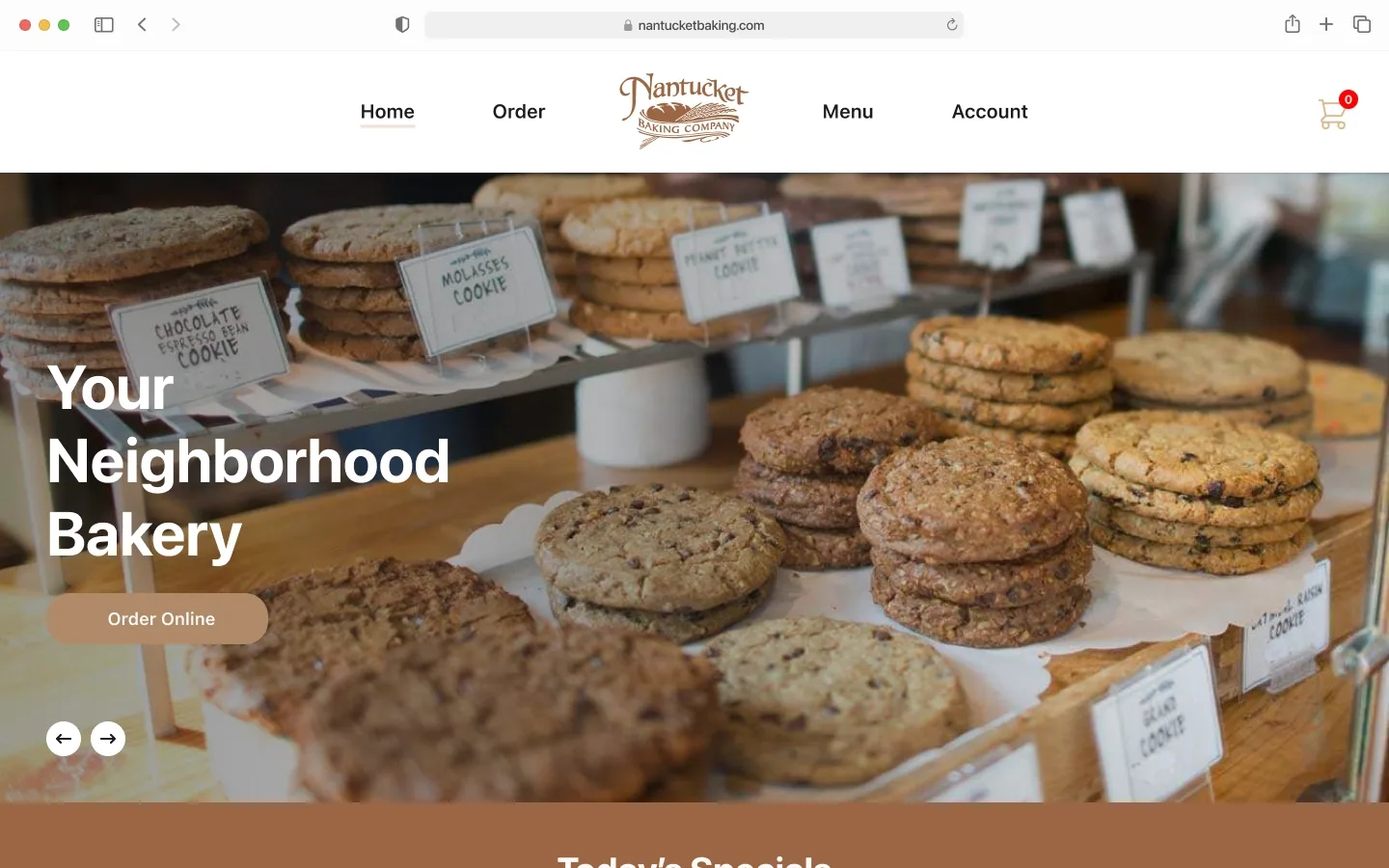
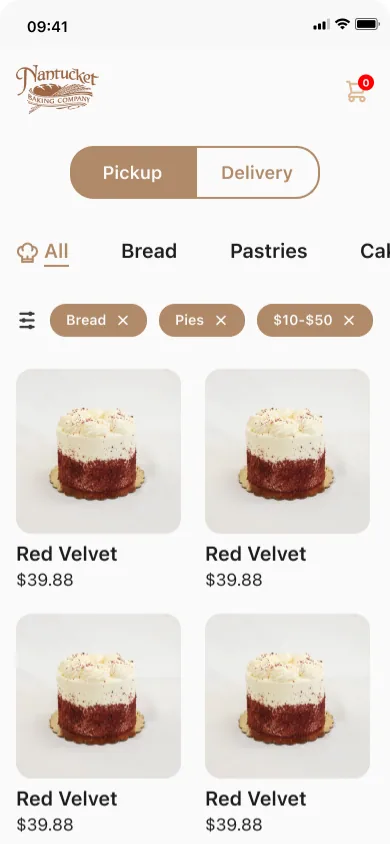
At a glance
The problem
For customers with impairments, language barriers, or mental health conditions, ordering in person at a bakery can be difficult or out of reach.
The approach
In this solo project for the Google UX Design certificate, I interviewed users, built personas and journey maps, then designed and prototyped a website and mobile app.
The outcome
High-fidelity prototypes of both the website and the mobile app, grounded in research with an accessibility focus.
Highlights
- Soloproject, from user research to high-fidelity mockups
- 5roles held, from lead UX researcher to UX writer
- 2high-fidelity prototypes: website and mobile app
Problem Statement
Ordering from a bakery or restaurant isn’t easy for everyone. Vision or hearing impairments, language barriers, and mental health conditions that make social interaction or travel difficult can all stand in the way.
Overview
If ordering in person is the barrier, take the order out of the store: let people order ahead from any device.
Project Goal
My goal was a platform, accessible on any device, that lets people who have difficulty ordering from bakeries order in advance, choose pickup or delivery, and pay without hassle.
Roles & Responsibilities
Roles: Lead UX Researcher, Lead UX Designer, Interaction Designer, Visual Designer, and UX Writer.
Responsibilities: user research, personas, problem definition, journey mapping, and user stories; paper and digital wireframes; low- and high-fidelity prototypes; usability testing; and high-fidelity mockups.
Research
Research widened who I was designing for: not only people with disabilities, but anyone dealing with a situational or temporary challenge.
Accessibility Focus
Accessibility isn’t only about disability; it also covers situational and temporary challenges. Designs made for people with disabilities often end up benefiting everyone.
The insight came from accessibility-focused research: interviews, personas, journey mapping, and defining the problem statement.
User Needs
Recurring frustrations from my user interviews:
- Slow service: especially for people on a tight schedule
- Wrong orders: whether someone is in a hurry or not
- Language barriers: between customers and staff, which can lead to delays and mistakes
- In-person ordering: can be especially hard for users with physical or mental disabilities
Common Pain Points
What users found frustrating about existing online ordering:
- Difficulty using the group ordering feature
- A tiny shopping cart icon that’s easy to miss
- An overcrowded, cluttered layout
User Personas
Website
This is where the goal turned into screens: I took the website from wireframes to a high-fidelity prototype you can click through below.
High-Fidelity Prototype (Website)
Interactive prototype
Click through Nantucket Bakery Website & App
Explore the real flows in Figma. The prototype loads on demand to keep this page fast.
Mobile App
Ordering ahead had to work just as well on a phone, since the platform was meant for any device. I started with low-fidelity wireframes, then built a high-fidelity app prototype.
Low-Fidelity Wireframes
High-Fidelity Prototype
Interactive prototype
Click through Nantucket Bakery Website & App
Explore the real flows in Figma. The prototype loads on demand to keep this page fast.